Enable/Disable SSH
Enable/Disable SSH access (Advanced users)
Overview
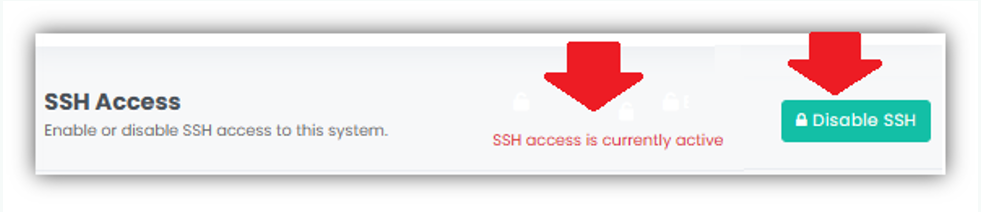
This allows administrators to enable or disable SSH (Secure Shell) access to the system. SSH access is used for remote login and system management and should be controlled carefully to maintain system security
To disable SSH access:
- Navigate to Security. Click on Security from the left navigation menu, and then scroll down to the SSH Access section at the bottom of the page.
- Click Disable SSH to turn off SSH access to the system.
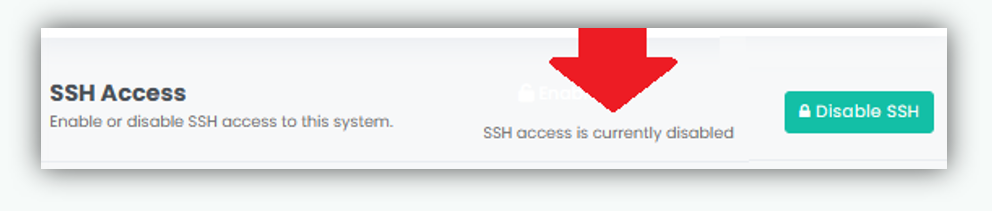
- SSH access is currently disabled.
Important Note: SSH access is restricted to authorized G Immute support personnel only and must not be enabled for general administrative use.
If remote administration is needed, SSH access can be enabled for G Immute support personnel for advanced troubleshooting dn debugging purpose.
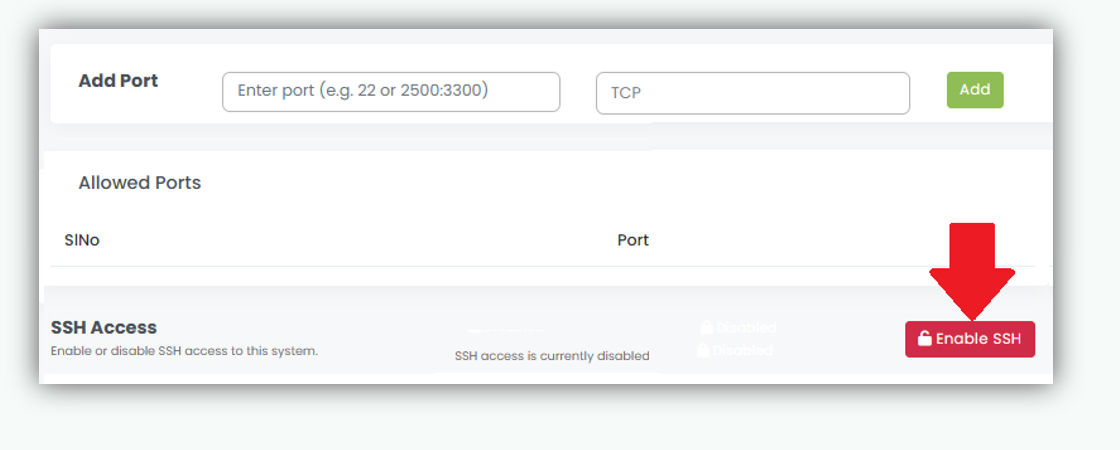
To enable SSH access:
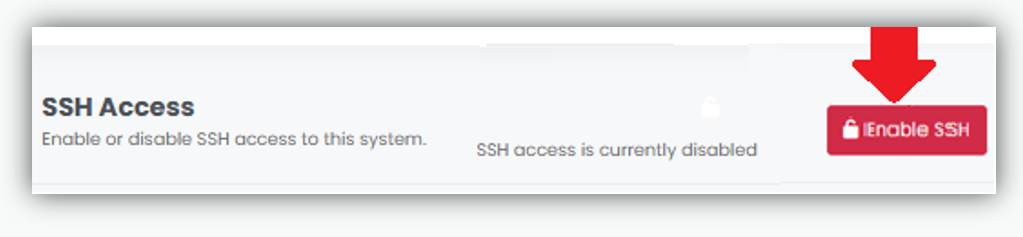
- Navigate to Security. Click on Security from the left navigation menu, and then scroll down to the SSH Access section at the bottom of the page.
- Click Enable SSH to turn off SSH access to the system.
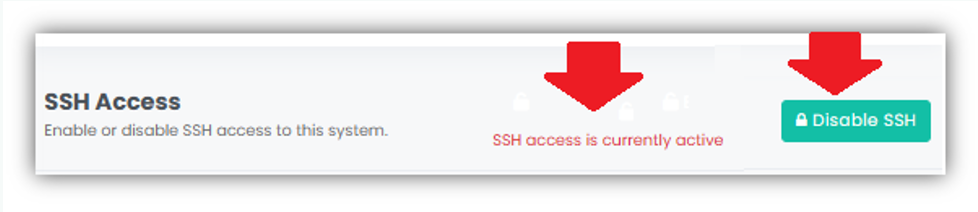
- SSH access is currently enabled.